
What a domain transfer changes (and what it does not)
A domain transfer is a move from one registrar to another registrar. The domain name remains the same, but billing, account controls, renewal settings, transfer locks and support move to the gaining registrar. The transfer itself is different from moving a website to a new host, changing DNS providers or handing the domain to another person.
| Task | What changes | What to protect |
|---|---|---|
| Registrar transfer | The registrar that manages registration, renewal and transfer settings | Eligibility, Auth/EPP code, renewal date and contact approval |
| Hosting or DNS migration | Where website files, applications or authoritative DNS records are served | A, AAAA, CNAME, MX, TXT, CAA and SRV records |
| Ownership or account transfer | The person, organization or account that controls the domain | Registrant-change policy, verification and any post-change lock |
This distinction matters because a person searching for how to transfer a website domain to a new host may only need a DNS or hosting change. Conversely, someone changing registrars can normally keep the existing website and email setup untouched. Confirm which task you actually need before changing nameservers.
Before you start: eligibility and DNS checklist
Most failed transfers are preventable. Spend a few minutes collecting the information below before opening the transfer form. If the domain is business-critical or close to expiration, leave extra time and avoid making several infrastructure changes at once.
- Confirm the domain is active. It should not be in redemption, pending delete, a dispute hold or another status that prevents a normal transfer. Renew or restore an expired domain before comparing ordinary transfer offers.
- Check the registration and transfer dates. A recent initial registration or registrar transfer can trigger a policy waiting period. A registrant-name, organization or email change may also create a new restriction depending on the registrar and policy in effect.
- Confirm the TLD is supported. Country-code and restricted extensions can use different forms, fees, approval methods and registry rules. Do not assume that a .com workflow applies to every TLD.
- Verify the contact email. You need access to the registrant or account email used for security checks and transfer approval. Update and verify it before starting if the address is obsolete.
- Record the current DNS and email setup. Save A, AAAA, CNAME, MX, SPF, DKIM, DMARC, TXT, CAA and important subdomain records. A registrar transfer normally does not delete them, but a separate nameserver change can expose missing records.
- Compare the real cost. Check the transfer-in price, the next renewal price, privacy fees and any required add-ons. TLDPrice's domain transfer cost comparison and renewal cost calculator help separate a cheap transfer offer from a cheap long-term registrar.
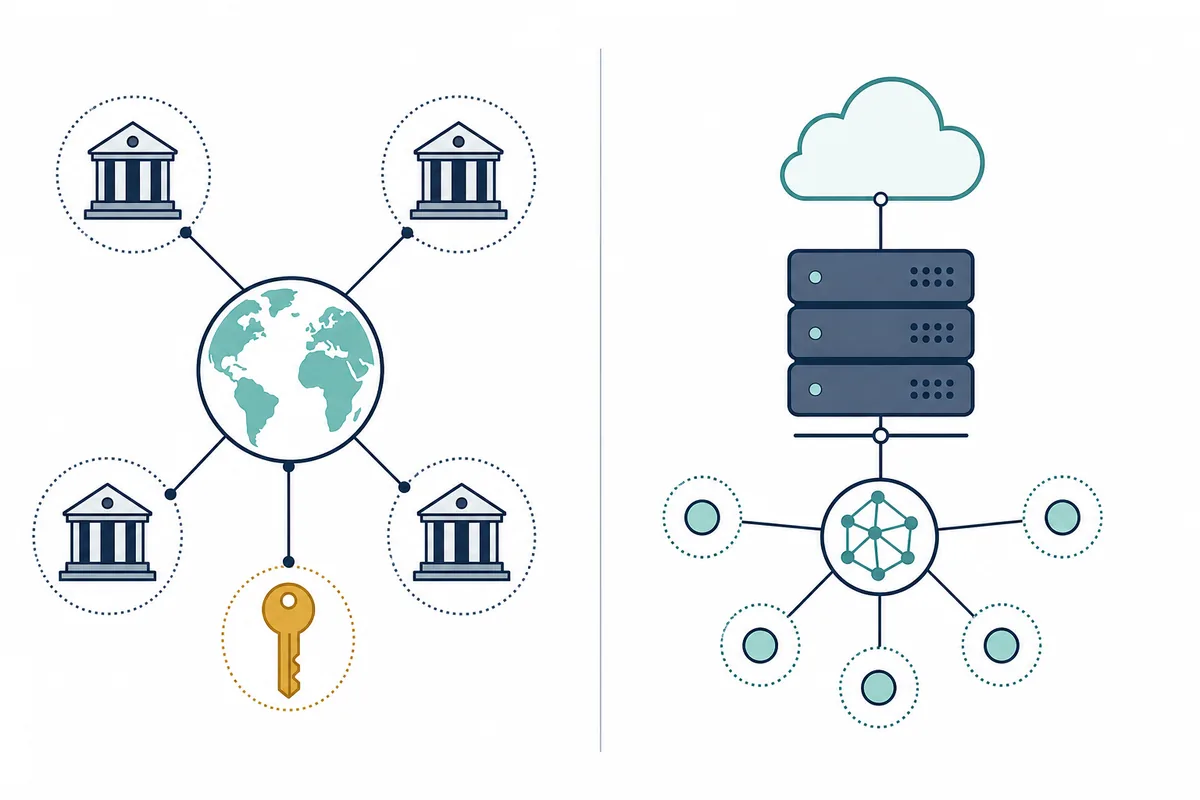
How to transfer a domain in 7 steps
1. Choose the receiving registrar
Start with the registrar that will receive the domain, not with the transfer form. Check support for the exact TLD, the transfer-in price, the renewal price after the included term, privacy availability, DNS requirements and the account security options. For a mainstream extension such as .com, compare the live transfer and renewal rows rather than relying on a generic coupon page.
2. Confirm the domain is eligible
Open the current registrar's domain details and check the expiration date, registration date, last transfer date and transfer status. Look for a registrar lock or a status such as clientTransferProhibited. A dashboard may show several reasons for a blocked transfer, so distinguish a switch you can turn off from a registry or policy waiting period you cannot bypass.
3. Protect DNS, website and email service
A transfer should not require you to cancel hosting, rebuild the site or recreate mailboxes. Keep the old hosting and email subscriptions active. Export or record the DNS zone, test the important pages and send a test email in both directions. If you plan to change nameservers as well, treat that as a separate migration with its own rollback plan.
4. Unlock the domain at the current registrar
Sign in to the current registrar, open the domain security or transfer settings, and disable Domain Lock, Registrar Lock or Transfer Lock. The label varies by provider. For a dedicated explanation of the status, lock switch and common 60-day restrictions, use the domain transfer unlock guide.
5. Request the Auth or EPP code
Request a fresh authorization code after the domain is eligible and unlocked. It may be called an Auth code, EPP code, transfer code or authorization key. Treat it like a temporary password: copy it carefully, do not publish it in a screenshot, and use the code intended for the exact domain. If a code is rejected, request a new one rather than repeatedly submitting a possibly expired value.
6. Start the transfer at the new registrar
Enter the domain name and authorization code at the receiving registrar, review the transfer price and renewal terms, confirm the registrant details, and pay if the TLD requires a transfer-in charge. The payment often covers an extension of the registration term, but registry rules differ. Read the final checkout carefully before approving the move.
7. Approve the request and verify completion
Watch the registrant email and both registrar dashboards for approval messages. Approving the transfer can shorten the waiting period, while some requests complete automatically after the losing registrar's release window. When the new registrar shows the transfer as complete, verify the renewal date, nameservers, DNS records, privacy setting, auto-renew choice and account security. Keep the old services active until the site and email have remained stable.
Transfer vs hosting and DNS migration
The phrase “transfer my domain to a new host” is ambiguous. A hosting company may ask you to change nameservers or add DNS records without moving the registrar. A registrar transfer, by contrast, changes the company that bills and manages the domain. You can often complete one without the other.
Registrar transfer
Unlock the domain, obtain an Auth/EPP code, submit the move, approve it and keep the current DNS path unless the new registrar requires something different.
Hosting migration
Copy website files, databases and environment settings, test the new host, then update DNS or nameservers. The registrar may remain unchanged.
DNS migration
Recreate records at another DNS provider, lower risk-sensitive TTLs when appropriate, verify email records and change delegation only after the new zone is ready.
For example, pointing a domain at Vercel usually concerns DNS records or nameservers, not a registrar transfer. Moving a domain to another person is also different: it may be an account push or registrant change rather than an inter-registrar transfer. If a support article uses “host” loosely, identify whether it means hosting, DNS or registrar management before following the steps.
How much does a domain transfer cost?
A domain transfer commonly costs about one renewal year at the receiving registrar, and many generic TLD transfers add one year to the registration term. That is a useful rule of thumb, not a universal quote. Country-code domains, premium domains, registry promotions, taxes and registrar-specific policies can change the amount or the term extension.
Compare the transfer price with the next renewal price instead of choosing the lowest checkout number. A practical model is:
Include privacy, email, premium DNS and any required bundle fees when they apply. A low transfer offer can be less attractive if the renewal is high or if the registrar requires a product you do not need. Use the live transfer price table and then check the exact registrar and TLD page before paying.
Common transfer failures and how to fix them
| Symptom | Likely cause | Next check |
|---|---|---|
| Transfer form says the domain is locked | Registrar lock is still enabled or the public status is not updated | Disable the lock, wait for propagation and check clientTransferProhibited again |
| Domain is not eligible | Recent registration, previous transfer, registrant change, expiry or registry restriction | Check dates, status codes, TLD rules and the registrar's exact end date |
| Auth/EPP code is rejected | Typo, old code, hidden whitespace or a regenerated code | Request a fresh code and paste it exactly once more |
| Transfer is pending approval | Approval email was missed or the losing registrar has not released it | Check the registrant email, spam folder and old registrar dashboard |
| Website works but email stops | Separate DNS change lost MX, SPF, DKIM or DMARC records | Compare the old and new DNS zones; keep mail hosts DNS-only |
| Transfer completed but auto-renew is wrong | Receiving registrar used a default account setting | Verify renewal date, auto-renew, privacy and payment method immediately |
Provider-specific paths and useful next checks
The generic sequence is reusable, but dashboard labels and DNS requirements are provider-specific. If you are moving from Namecheap to Cloudflare, use the dedicated Namecheap to Cloudflare transfer guide because Cloudflare's authoritative DNS requirement changes the order of operations. If you are comparing a different registrar pair, keep the generic eligibility and cost checklist above, then verify the receiving registrar's official instructions.
For a registrar shortlist, compare the best domain registrar guide. If privacy cost affects the decision, check the WHOIS privacy protection guide. These pages support the transfer decision without turning every provider pair into a separate URL.
How to transfer a domain FAQ
How long does it take to transfer a domain?
The request can be submitted in minutes, but completion depends on the TLD, approval flow and losing registrar. An approval email can shorten the wait; policy or registry checks can make it longer. Do not plan the move against an expiration deadline without a buffer.
Will my website go down when I transfer a domain?
A registrar transfer does not inherently take a website offline. Keep the current hosting and DNS records active, and avoid changing nameservers at the same time unless you have prepared and tested the new DNS zone.
What is an Auth or EPP code?
An Auth or EPP code is a transfer authorization value issued by the current registrar. It helps prove control of the domain when the transfer is started at the new registrar. Keep it private and request a fresh code if the old one is rejected.
Can I transfer a domain that is locked?
You usually need to disable the registrar or transfer lock before starting. A policy-based 60-day restriction, an expiry state, a dispute hold or a TLD rule may still block the move even after the dashboard lock is off.
Does transferring a domain add one year?
Many generic TLD transfers add one year to the registration term, but the exact extension and registry rules control the result. Check the transfer checkout and the new expiration date rather than assuming the .com rule applies everywhere.
How much does it cost to transfer a domain?
The transfer price is often close to one year of renewal at the new registrar, but premiums, country-code rules, promotions, taxes and required add-ons can change it. Compare the transfer price with later renewal and privacy cost.
How do I transfer a domain to someone else?
That may be an account push or registrant change instead of a registrar transfer. Use the current registrar’s ownership-change process and check verification and post-change lock rules; do not submit an inter-registrar transfer unless the registrar is also changing.
Can I transfer a domain to Namecheap or another specific registrar?
Yes when the TLD is supported and the domain is eligible, but the dashboard steps and approval timing vary. Use the generic checklist here, then follow the receiving registrar’s official instructions and compare its transfer and renewal price.
Official policy and procedure references
This guide was reviewed on 2026-08-02. Read the ICANN Transfer Policy for inter-registrar transfer requirements and denial reasons, and the ICANN registrant transfer FAQ for common eligibility restrictions. For a concrete registrar workflow, compare the official Cloudflare transfer documentation and Namecheap transfer instructions. TLD-specific registry rules and the final registrar checkout remain the final authority.
Summary: transfer the registration, protect the services
The safest answer to how to transfer a domain is to separate the registration move from every infrastructure move. Check eligibility, compare transfer and renewal cost, record DNS and email details, unlock the domain, request the Auth/EPP code, submit and approve the transfer, then verify the new registrar's settings. Keep hosting, email and critical DNS records in place until the transfer is complete and stable.